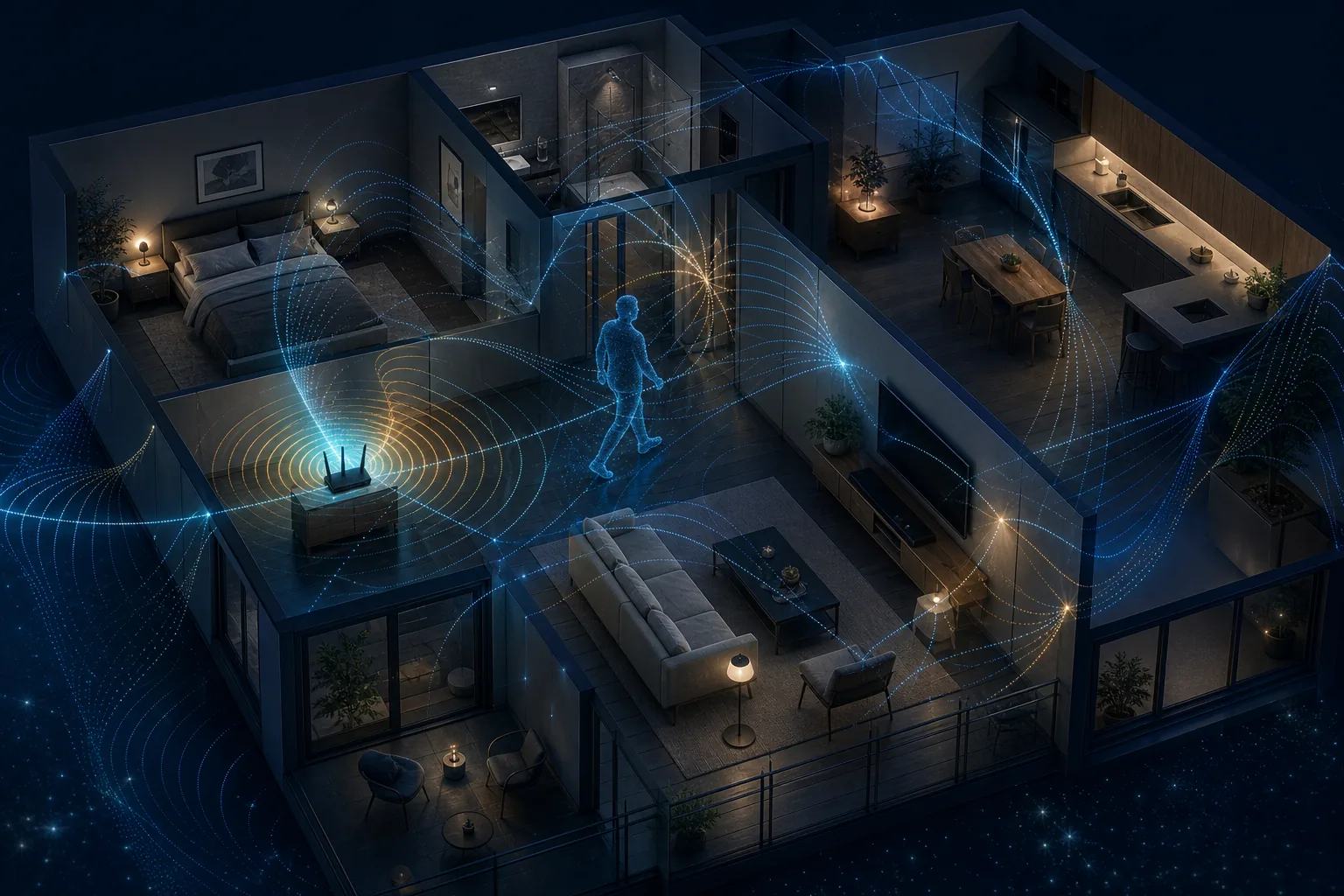
WiFi sensing uses wireless transmissions as measurement signals. When a person moves, a door opens, or furniture changes, reflected radio paths change too. A sensing system records those changes and looks for patterns associated with presence, movement, breathing, gestures, zones, or other carefully defined events.
The short answer is that WiFi sensing can be useful, but it is not magic and it is not automatically reliable. A browser demo such as RuView is best treated as the explanation layer above a real capture and inference pipeline. This guide separates the signal, model, application, and validation layers so you can judge what a system actually proves.
How WiFi sensing works in plain language
A transmitter sends WiFi signals and a receiver measures what arrives. The direct path is only part of the result: walls, floors, furniture, appliances, and people create multiple reflected paths. Movement changes the phase, amplitude, timing, and correlation of those paths.
The system converts a time sequence of measurements into features, then compares those features with rules or a trained model. The output might be a binary presence state, a motion score, a room zone, an activity label, or a confidence range. The output is an inference from signal changes, not a direct visual observation.
- Transmit: a router, access point, ESP32, or other radio creates the wireless link.
- Measure: a compatible receiver captures RSSI, CSI, Doppler-like changes, or related channel features.
- Interpret: filtering and models convert noisy measurements into a defined sensing output.
- Validate: known labels and changed-room tests reveal whether the output generalizes.
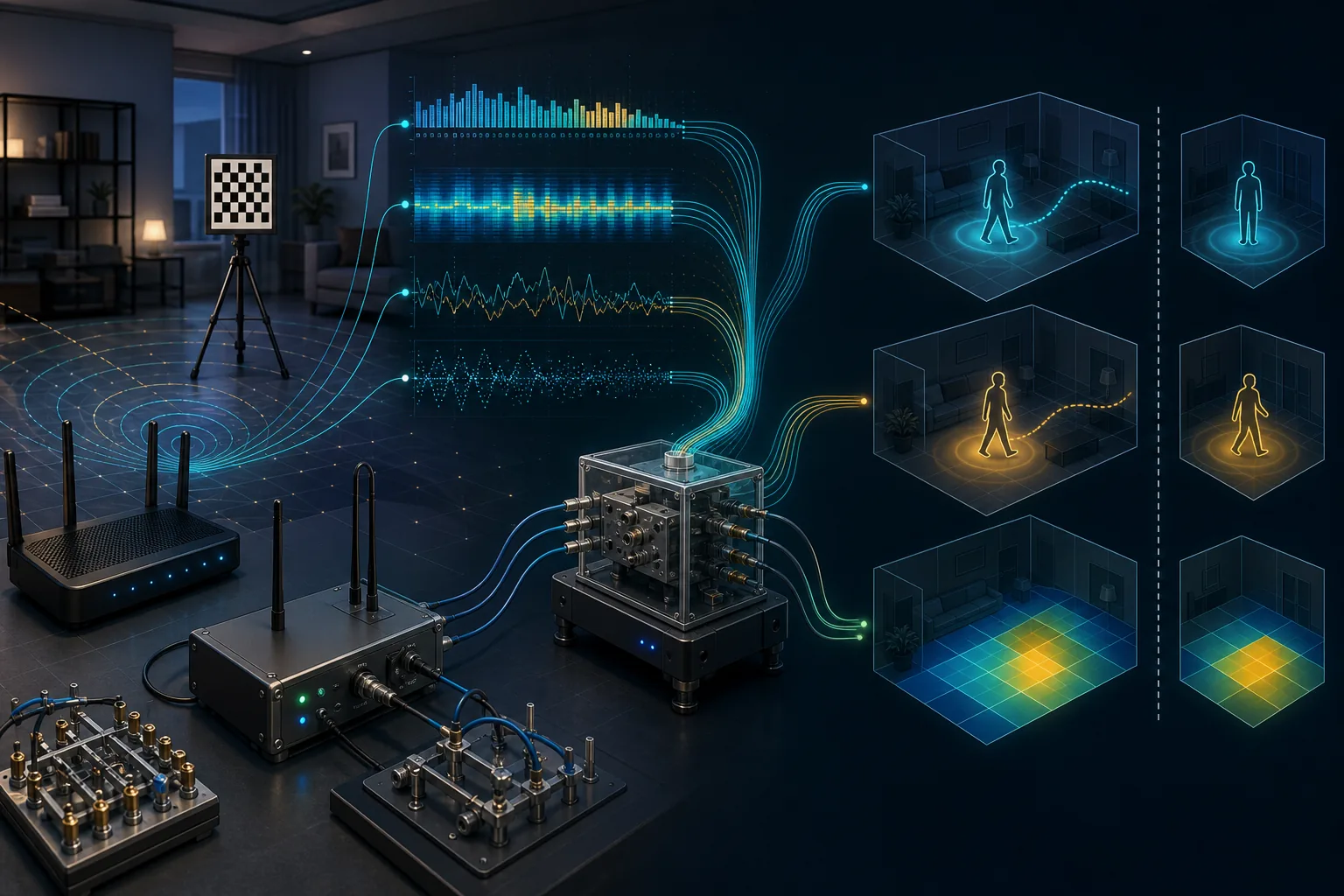
RSSI versus CSI: why the measurement matters
RSSI summarizes received signal strength into a coarse number. It can support simple proximity or occupancy experiments, but it hides much of the frequency-specific behavior inside a WiFi channel. Channel State Information, or CSI, exposes finer measurements across subcarriers and often across antenna links.
CSI therefore offers more structure for detecting subtle motion, but it also creates more data, hardware constraints, calibration work, and opportunities for overfitting. A project should choose the simplest measurement that can answer its actual question.
| Measurement | Useful for | Main limitation |
|---|---|---|
| RSSI | Coarse proximity, simple occupancy, baseline experiments | Low detail and high environmental variability |
| CSI | Presence, motion, activity, localization, research features | Needs compatible capture, processing, labels, and validation |
| Visualization | Explaining model output and confidence | Cannot replace the underlying measurement evidence |
What WiFi sensing can be used for
The strongest use cases have a narrow target and a clear way to check the answer. Presence detection can support lighting or energy controls. Motion and gesture experiments can support contactless interaction. Research systems also study breathing-related micro-motion, activity recognition, indoor positioning, fall-like events, and pose-related features.
These tasks are not interchangeable. A system that separates empty from occupied rooms has not proven that it can identify a person, reconstruct a pose, diagnose a health condition, or track someone reliably through every wall. Each added claim requires new labels, tests, and risk controls.
- Presence and occupancy: whether a defined zone is likely occupied.
- Motion and activity: whether movement occurred and which trained class best matches it.
- Localization: where a device or signal-related target is likely located.
- Research visualization: showing CSI features, confidence, and experimental output.
Hardware and software requirements
Normal WiFi traffic may provide the radio link, but normal consumer interfaces do not always expose the measurements needed for sensing. ESP32 experiments can provide accessible CSI learning paths, while supported Broadcom devices with Nexmon CSI can expose richer captures. Other research platforms use specialized network interface cards or vendor sensing APIs.
Software must timestamp samples, clean noise, align labels, extract features, run inference, and preserve enough metadata to reproduce the result. If the page only shows an animation but cannot explain where measurements came from, it is a visualization demo rather than a validated sensing system.
- Confirm that the chipset, firmware, driver, and operating mode expose the required data.
- Record room layout, device placement, channel, bandwidth, sampling behavior, and label timing.
- Separate training, validation, and changed-environment tests.
- Show low-confidence and unavailable states instead of forcing a result.
Accuracy limits and common failure modes
WiFi sensing depends on multipath, which is also why it can drift. Moving the router, changing the channel, opening a door, adding people, running a fan, or rearranging furniture may change the signal distribution. A model can perform well in the room where it was trained and fail elsewhere.
Useful evaluation includes false positives, false negatives, latency, confidence calibration, and performance after environmental changes. One impressive live example is not enough. Repeatability across days, rooms, hardware, and unseen participants is much stronger evidence.
| Change | Possible effect | Validation response |
|---|---|---|
| Router or receiver moves | Baseline and multipath pattern shift | Recalibrate and test placement sensitivity |
| Furniture, doors, or appliances change | New reflections resemble motion | Include changed-room negative tests |
| Multiple people enter | Signals overlap and labels become ambiguous | Report supported occupancy and confidence limits |
| Different hardware or channel | Feature distribution changes | Validate each supported configuration |
Privacy, safety, and responsible deployment
Camera-free does not mean privacy-free. Occupancy, routines, movement, and location can still be sensitive. A responsible deployment explains what is measured, who can access it, how long data is retained, whether processing stays local, and how users can disable the feature.
WiFi sensing should not be the sole basis for medical diagnosis, emergency response, law enforcement, employee discipline, or other high-stakes decisions. Research demos should avoid presenting inferred silhouettes or zones as ground truth and should make uncertainty visible.
- Collect the minimum data needed for the stated task.
- Prefer local processing and short retention where practical.
- Require notice, consent, access controls, and an off switch.
- Document unsupported uses and escalation to human review.
How to evaluate a WiFi sensing demo
Start by asking what physical measurement feeds the demo. Then identify the exact target, such as room occupancy rather than vague human detection. Look for a baseline, labeled tests, confidence handling, and results after the environment changes.
For RuView, separate the open-source visualization and workflow from the hardware capture path. Use the dedicated guides for ESP32 CSI, Nexmon CSI, human detection, datasets, compatible routers, indoor positioning, and GitHub project selection rather than assuming one setup covers every use case.
- Can the project name its transmitter, receiver, chipset, firmware, and measurement type?
- Does it distinguish live data, replayed data, simulation, and illustrative animation?
- Are false positives, false negatives, latency, and low-confidence states visible?
- Has it been tested after placement, room, participant, or hardware changes?
Sources and technical references
WiFi Sensing FAQ
What is WiFi sensing?
WiFi sensing analyzes changes in wireless radio measurements to infer events such as presence, motion, activity, or location. It is an inference pipeline, not a camera image.
How does WiFi sensing work?
A transmitter and receiver create a WiFi link, measurements such as RSSI or CSI record channel changes, and filtering or models map those changes to a defined output that must be validated.
Can ordinary WiFi detect people?
WiFi signals can support presence or motion detection, but ordinary routers may not expose the data needed for a practical system. Reliability depends on hardware, labels, calibration, environment, and validation.
Is WiFi sensing the same as WiFi CSI?
No. WiFi sensing is the broader application area. CSI is one detailed measurement source that many sensing systems use.
Can WiFi sensing see through walls?
Radio changes can cross or reflect around some walls, but performance varies with material, placement, distance, interference, and the trained task. A through-wall claim needs direct testing in the target environment.
Is WiFi sensing private?
It can avoid cameras, but inferred occupancy, motion, routines, and location remain sensitive. Responsible systems minimize collection, explain processing, control access, and provide consent and disable options.