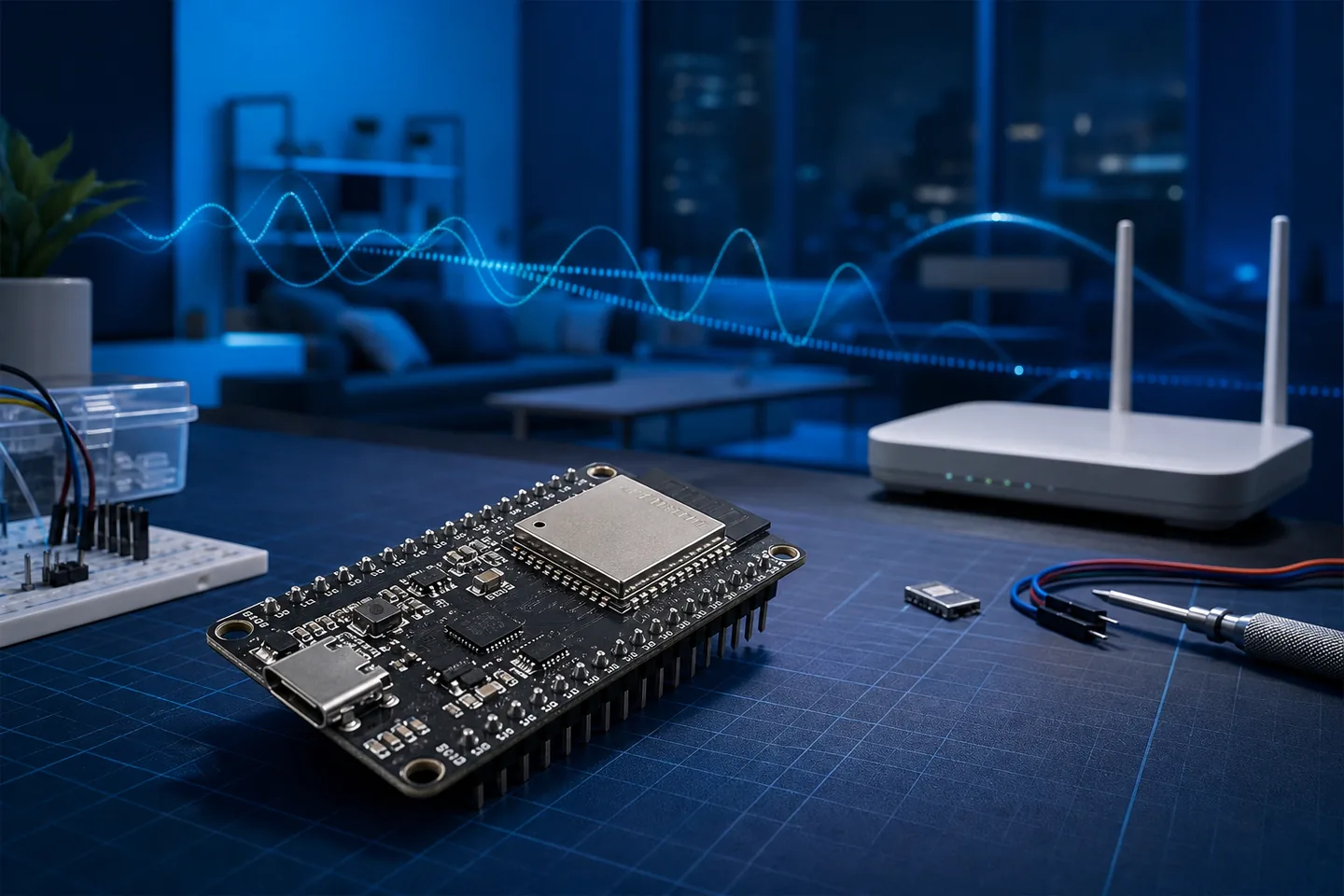
ESP32-S3 CSI support is part of the ESP-IDF Wi-Fi driver. A project registers a CSI receive callback, applies the desired CSI configuration, and enables collection after Wi-Fi initialization. The callback can then deliver packet metadata and the CSI buffer to a logger or host pipeline.
Support does not make every board a finished motion sensor. Reliable sensing still depends on a stable packet source, known transmitter-receiver geometry, consistent firmware settings, and tests that separate human movement from packet loss, interference, automatic gain changes, and room rearrangement.
ESP-IDF Setup Flow for ESP32-S3 CSI
Start from a working ESP-IDF station or controlled packet-receiver project. Register esp_wifi_set_csi_rx_cb, pass the field selection to esp_wifi_set_csi_config, and call esp_wifi_set_csi(true) only after the Wi-Fi stack is ready.
Keep the receive callback short. Copy or queue the CSI record, timestamp, RSSI, channel, rate, source identity, and sequence context, then format, save, or transmit the data from another task so serial output does not distort packet cadence.
- ESP32-S3 operates on 2.4 GHz Wi-Fi and cannot capture 5 GHz or 6 GHz CSI.
- Record board model, ESP-IDF version, antenna, channel, bandwidth, packet source, and placement.
- Save raw records before filtering so processing mistakes remain reversible.
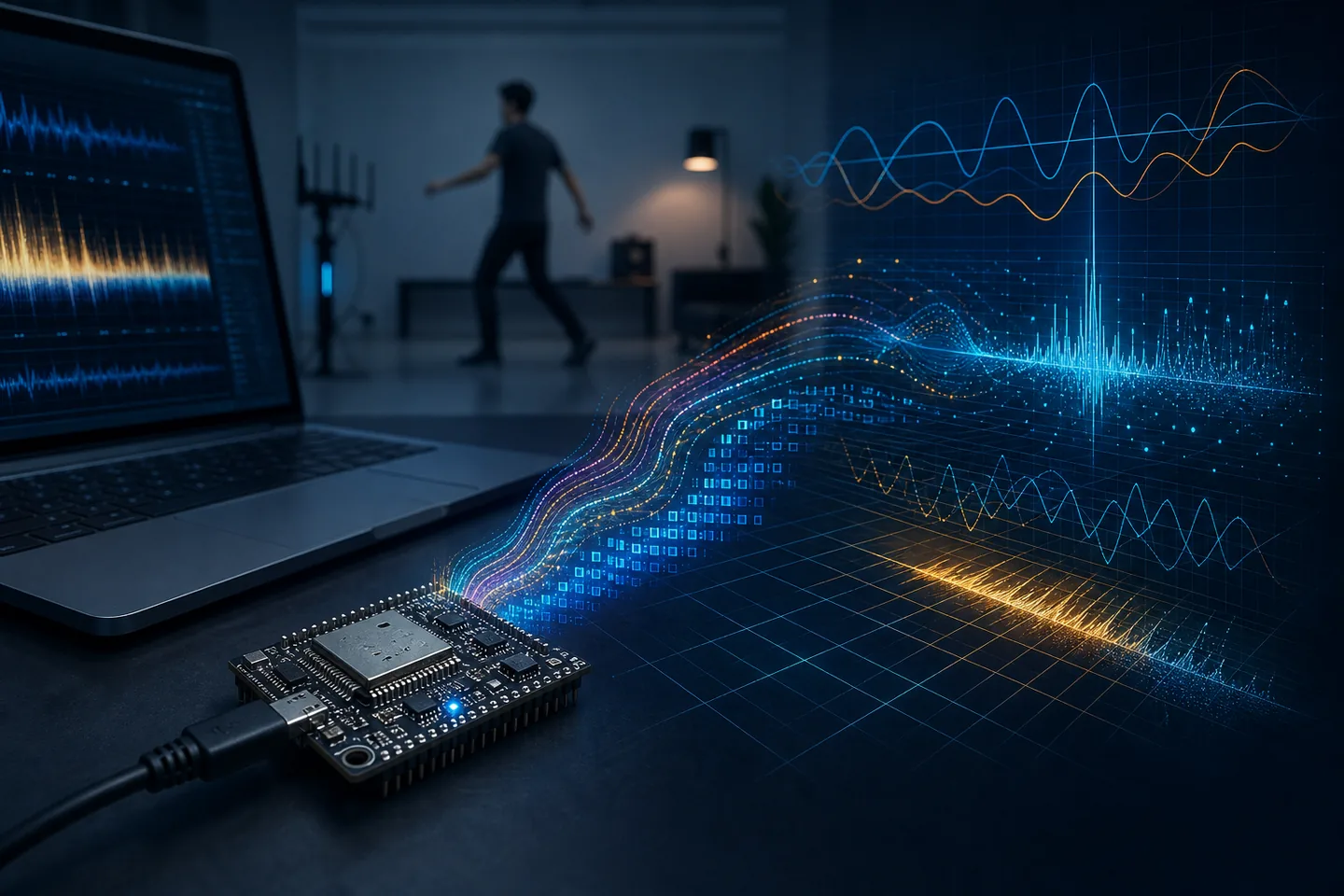
Does ESP32-S3 support WiFi CSI?
ESP32-S3 can expose Channel State Information when the selected ESP-IDF version, WiFi mode, and CSI callback path support it. Confirm the chip, framework release, example project, and receive mode instead of relying on the board name alone.
Start with an official ESP-CSI or ESP-IDF example, record firmware and channel settings, and verify stable packet counts before adding a human-detection model.
A RuView-Friendly Test Workflow
A useful ESP32 CSI workflow begins before the first model. Place the receiver, record the room when empty, then repeat simple scenarios: walking across the link, entering and leaving, sitting still, opening a door, and breathing close to the sensing path. Keep notes about distance, antenna direction, furniture, people count, and WiFi channel. Without that context, a later graph may look meaningful while actually reflecting a router burst or a moved laptop.
After capture, filter out malformed lines, align timestamps, separate amplitude and phase features, and compare the signal against the empty-room baseline. A RuView-style layer can then explain what each stage means: raw CSI, denoised features, confidence, limitations, and a clear warning that the result is not a certified health or safety decision.
Where ESP32 CSI Works Well and Where It Struggles
ESP32 CSI is strongest when the task is narrow: occupied versus empty, motion versus stillness, a repeated gesture in a fixed room, or a known person crossing a known path. It struggles when the environment changes often, when many people move at once, when packet rates are irregular, or when the system claims too much from too little hardware. Breathing and heart-rate research is possible in controlled settings, but it is not the same as a validated medical monitor.
This is the main reason RuView should be presented as an experimental spatial-intelligence gateway. A good page should help users launch the demo, but it should also explain that cameras, mmWave radar, PIR sensors, and WiFi CSI each see the world differently. CSI is valuable because it is private, cheap, and already present in many environments; it is limited because radio multipath is hard to interpret without calibration and ground truth.
ESP32 CSI setup checklist for repeatable RuView tests
ESP32 CSI experiments fail most often because the capture context is not repeatable. Before comparing models, lock the board model, firmware, WiFi channel, antenna position, packet rate, room layout, and label protocol. This turns an ESP32 CSI demo into a dataset that RuView-style analysis can inspect.
A practical first session should include empty-room capture, one person entering, one person sitting still, walking across the link, door movement without a person, and a short period of normal router traffic. These negative cases are what reveal whether the signal reacts to people or to any environmental change.
Authoritative Sources and Useful Repositories
ESP32 CSI WiFi Sensing FAQ
What should I record before using ESP32 CSI with RuView?
Record the board, firmware, WiFi channel, antenna placement, packet rate, room layout, scenario labels, and empty-room baseline before comparing any RuView-style output.
Should I use ESP32-CSI-Tool or Espressif ESP-CSI first?
Use the path that matches your board and documentation comfort. ESP32-CSI-Tool is useful for learning serial capture and quick experiments, while Espressif ESP-CSI is closer to the official solution path. In both cases, validate timestamps, channel settings, and baseline trials before modeling.
Does ESP32-S3 support CSI for WiFi sensing?
Yes, with compatible ESP-IDF and project settings. Verify the framework, WiFi mode, CSI callback, channel, and repository, then confirm stable raw captures.