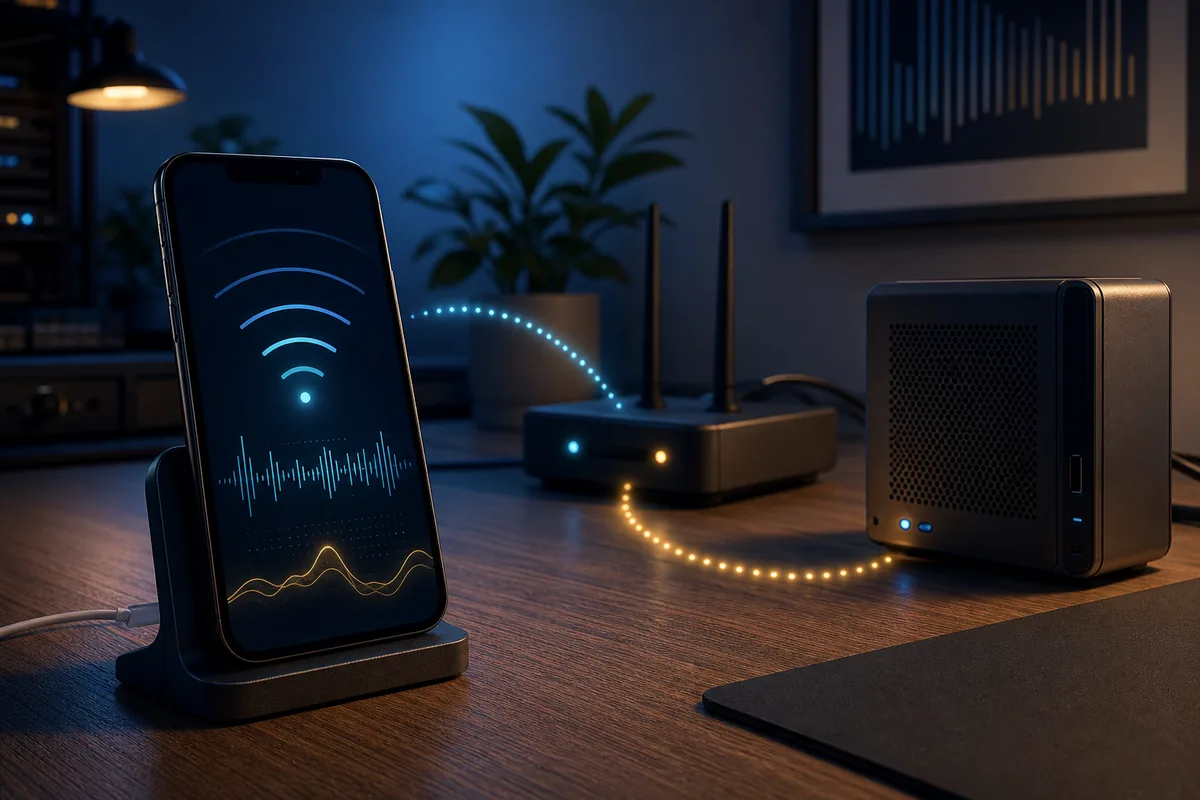
A RuView mobile app codebase exists, but source code is not the same as a public consumer download. On July 19, 2026, the official ruvnet/RuView repository contained a ui/mobile project for Android, iOS, and web. Its configuration reported version 1.0.0, Expo 55.0.4, and React Native 0.85.2.
We did not verify an official Google Play listing, Apple App Store listing, or downloadable APK in first-party release assets. Developers can inspect and run the official source; casual visitors can use the hosted RuView browser demo.
Is there an official RuView app?
The official RuView repository contains a real mobile companion project. Its README describes a cross-platform client that connects to a WiFi sensing server over WebSocket and displays visualizations, vital-sign signals, zones, settings, and disaster-response views.
Repository presence does not prove that a signed consumer build is published in an app store. RuView has official mobile source code, but no public store download or official standalone APK was verified during this review.
- Verified source: ruvnet/RuView/ui/mobile on GitHub.
- Verified targets: Android, iOS, and web through Expo.
- Verified app configuration version: 1.0.0 on July 19, 2026.
- Not verified: Google Play, Apple App Store, or official APK asset.
How the RuView mobile companion works
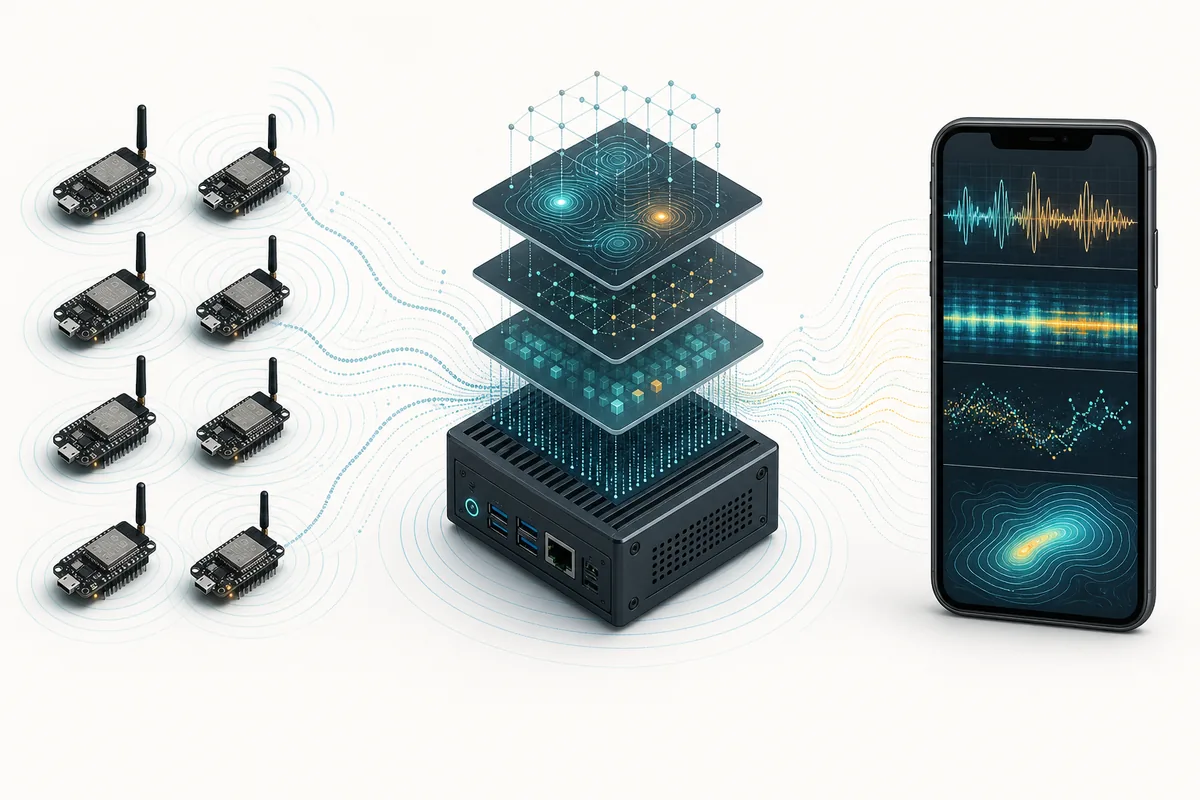
The phone is a companion display and control surface, not a WiFi CSI sensor by itself. Compatible capture hardware and a RuView processing service prepare the data. The mobile client connects to that service and presents processed events or visualizations.
The official README documents WebSocket connectivity and a simulation fallback. Synthetic data can test the interface, but it must not be interpreted as a live human, breathing, heart-rate, fall, or disaster-response measurement.
- Sensing nodes capture or prepare WiFi measurements.
- A RuView service processes the stream.
- The mobile app connects to the configured server.
- The phone renders status, zones, visualizations, or trends.
- Simulation mode tests UI behavior without proving sensing performance.
Android, iPhone, and web requirements
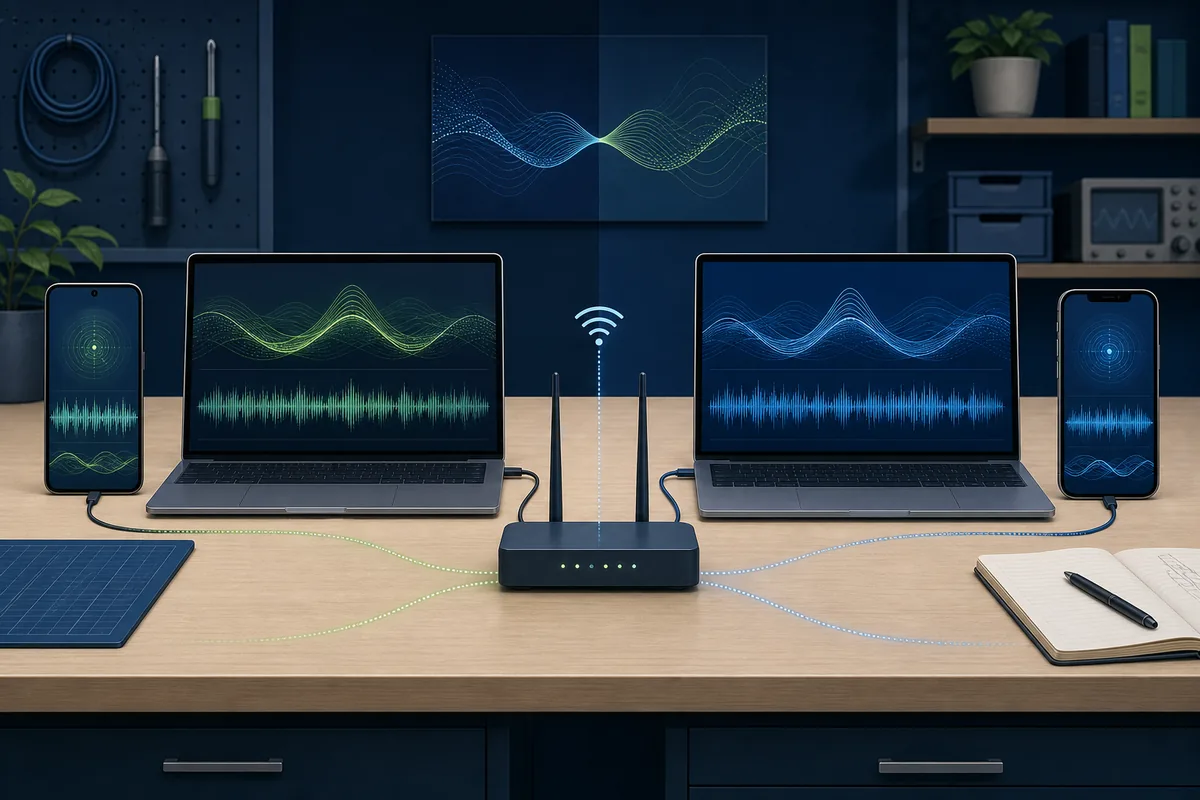
Android development can use Android Studio, an emulator, or a physical device with Expo Go. iPhone development normally requires Xcode on macOS or Expo Go on a device. The web build is the fastest way to inspect the interface.
Native WiFi access differs by platform. The repository documents an Android RSSI path, while iOS WiFi information requires Apple entitlements. Neither platform turns a normal phone into an ESP32 CSI receiver.
| Platform | Practical test path | Important limitation |
|---|---|---|
| Web | npx expo start --web | Best for UI testing; data may be synthetic |
| Android | Expo Go, emulator, or development build | RSSI is not full CSI capture |
| iPhone / iOS | Xcode simulator or Expo Go | WiFi access may require Apple entitlements |
| Any phone | Connect to a reachable RuView server | The phone alone cannot produce reliable pose or vital data |
Safe setup path from the official repository
Start from the official repository rather than a third-party download page. Review ui/mobile/README.md, package.json, and app.json before installing dependencies. Test the web command first, then move to Android or iOS after the local interface works.
Use a disposable development environment, record the branch and commit, inspect environment variables, and keep the backend on a trusted network. Mobile clients can expose sensitive occupancy or activity information even without cameras.
- Open ruvnet/RuView and navigate to ui/mobile.
- Read the mobile README and package.json before npm install.
- Use npx expo start --web for the first preview.
- Connect only to a RuView server you control.
- Label simulation results clearly.
- Do not sideload an APK without maintainer-linked origin and signature.
Version and download freshness check
Official first-party files were checked on July 19, 2026. app.json and package.json reported mobile version 1.0.0. package.json used Expo 55.0.4 and React Native 0.85.2. The broader repository was updated on the same date, so these values can change quickly.
A RuView project release tag is not automatically a signed mobile package. We found no verified APK, Play Store URL, App Store URL, file size, or mobile release asset to use as a download button.
| Field | Verified value | Source status |
|---|---|---|
| Mobile app version | 1.0.0 | Official app.json and package.json |
| Framework | Expo 55.0.4 / React Native 0.85.2 | Official package.json |
| Platforms | Android, iOS, web | Official mobile README |
| Public APK or store listing | Not verified | No first-party download URL found |
| Check date | July 19, 2026 | Repository and release review |
RuView app versus the browser demo
Use the browser demo for a quick look without cloning code. Use the mobile source project when you need a phone-sized client, want to inspect the React Native implementation, or plan to connect to your own RuView service.
Neither route replaces sensing hardware, calibration, or validation. A polished screen may still use simulation or an incomplete backend, so confirm the data source before treating it as a measurement.
- Browser demo: fast exploration with no local install.
- Mobile source: development and controlled deployment.
- ESP32 guide: hardware capture questions.
- GitHub guide: repository and release boundaries.
Privacy and safety limits
Camera-free does not mean privacy-free. A mobile dashboard may expose presence, movement, zones, routines, or health-adjacent trends. Restrict server access, avoid public endpoints, and obtain consent in shared spaces.
Breathing and heart-rate views are research signals, not diagnoses. Fall and disaster-response screens are not substitutes for certified emergency systems. Keep simulation labels visible and do not make safety decisions from an unverified build.
Official sources checked
RuView App FAQ
Is there a RuView app for Android?
The official repository includes an Expo and React Native project that targets Android. We did not verify a public Google Play listing or official APK.
Can I install RuView on an iPhone?
The source targets iOS, but development normally requires Xcode on macOS or Expo Go. We did not verify a public Apple App Store listing.
Where can I download the RuView APK?
No official standalone APK was verified. Avoid third-party APK pages unless RuView maintainers link to a signed file from the official repository or release page.
Does the RuView app sense people using only my phone?
No. The mobile client is a companion interface. Advanced sensing depends on compatible capture hardware and a RuView processing service.
What is the latest RuView mobile app version?
The official app.json and package.json reported version 1.0.0 when checked on July 19, 2026. Verify the files again before building.
Should I use the app or the RuView online demo?
Use the online demo for quick browser exploration. Use the mobile source when you need a developer-controlled Android, iOS, or web companion.