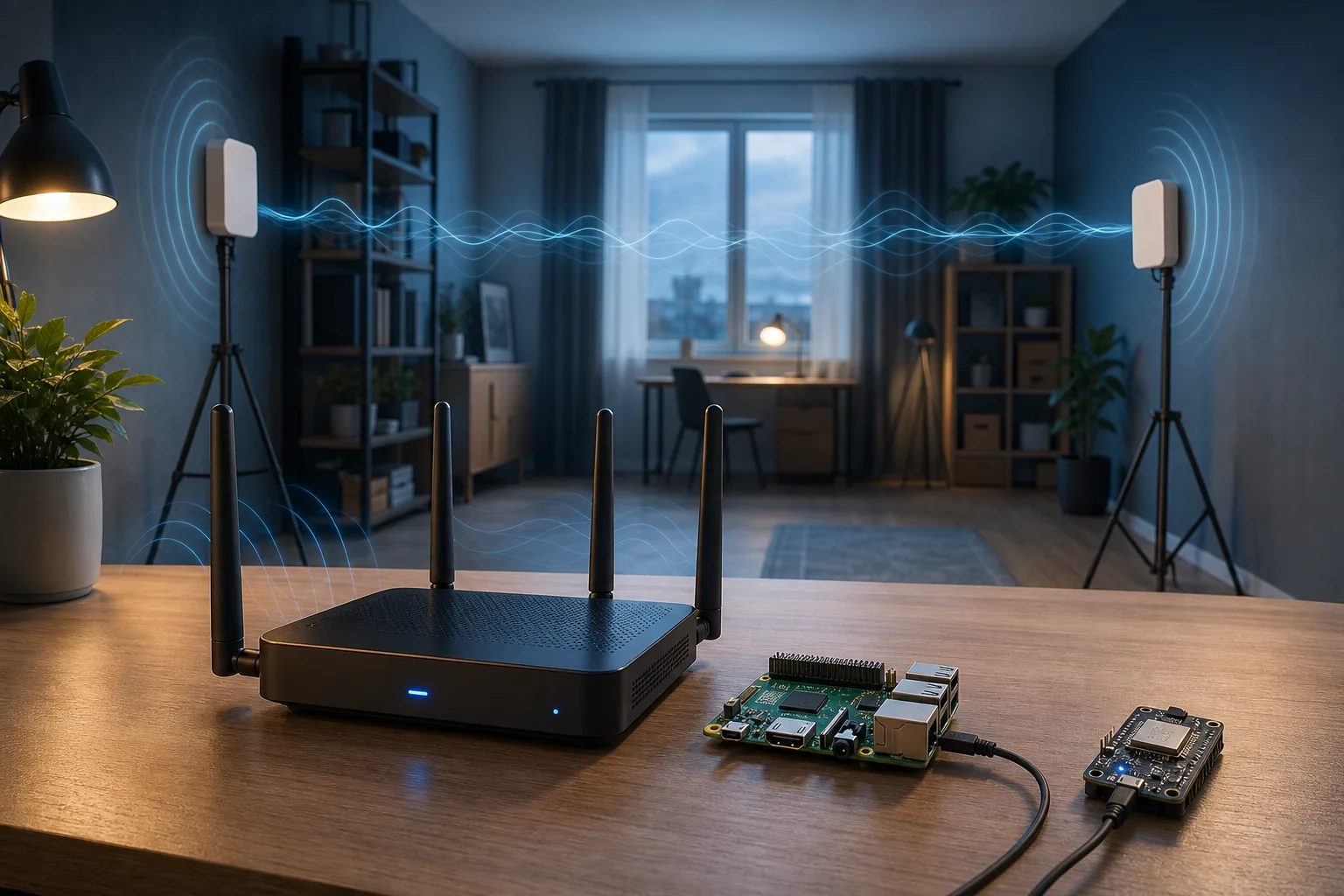
Most consumer routers can participate in a WiFi sensing experiment as an access point or traffic source, but they do not automatically provide raw Channel State Information (CSI). The decisive component is usually the receiver chipset, firmware, driver, and API used to export measurements.
A fast WiFi 6 or WiFi 7 router may be excellent for networking yet offer no documented CSI interface. A modest ESP32 development board or a specifically supported Broadcom/Cypress device can be more useful for experiments because its capture path is known and testable.
What makes hardware WiFi-sensing capable?
A sensing-capable setup needs more than a router transmitting radio signals. It needs a supported way to observe how received packets change across subcarriers, antennas, time, or other channel measurements. In practical projects, that normally means an exposed CSI callback, a firmware patch, a research driver, or a vendor sensing API.
Treat compatibility as a chain: chipset, exact hardware revision, firmware, operating-system kernel, driver, capture tool, channel width, antenna layout, and analysis code must fit together. A product name alone is not enough evidence.
- The receiver must expose CSI or another documented sensing measurement.
- Software must support the exact chipset, firmware, and kernel combination.
- You need repeatable packet traffic, timestamps, and a usable export format.
- The room, antenna placement, and target task still require local validation.
Four realistic hardware paths
Start from a supported capture path instead of a retail router list. The comparison separates devices that provide connectivity from devices that can actually expose sensing measurements.
| Path | Router role | CSI access | Best fit | Main caution |
|---|---|---|---|---|
| Standard router + ESP32 receiver | Access point or traffic source | ESP-IDF CSI callback | Low-cost presence and motion experiments | Usually research-grade calibration |
| Supported Nexmon CSI device | AP, transmitter, or receiver | Patched Broadcom/Cypress firmware | Higher-bandwidth lab capture | Exact chip, firmware, and kernel matter |
| Documented vendor sensing platform | Integrated sensing node | Vendor API or managed events | Commercial smart-home deployment | May be closed, cloud-only, or subscription based |
| Ordinary consumer router only | Connectivity and packet traffic | Usually no public raw CSI export | Stable network for a separate receiver | WiFi 6/7 does not imply sensing access |
ESP32: the simplest starting point for many labs
Espressif documents a WiFi CSI receiving path in ESP-IDF, including enabling CSI and registering a receive callback. This makes an ESP32-class board a clearer experimental choice than an undocumented router, especially for learning collection, filtering, calibration, and room effects.
The router can remain an ordinary access point while the ESP32 acts as the measurement endpoint. Before buying, verify the exact chip family, current ESP-IDF support, antenna design, examples, frequency band, and channel configuration.
- Good for low-cost prototypes and controlled experiments.
- Useful when you want a documented API instead of patched router firmware.
- Not proof that a demo can infer pose, breathing, or identity reliably.
Nexmon CSI: choose the chipset, not the marketing name
Nexmon CSI supports specific Broadcom/Cypress chips and firmware combinations. Published examples include Raspberry Pi models using bcm43455c0 and an Asus RT-AC86U path using bcm4366c0. This does not mean every Raspberry Pi image, Asus router, or Broadcom-based device works automatically.
Check the project support table immediately before purchasing. Kernel changes, firmware revisions, board revisions, and operating-system updates can alter the working path. For production use, also consider warranty, maintainability, security updates, and whether patched firmware is acceptable.
- Match the exact WiFi chip and firmware version.
- Confirm operating-system and kernel instructions.
- Prefer a documented reference setup before trying another model.
A buying checklist before you order a router
Ask for evidence at the data-export layer. Product pages mentioning mesh, presence, smart-home automation, or WiFi 7 do not necessarily provide developer access to sensing measurements. If documentation does not name an API, SDK, supported chipset, firmware path, or export format, treat the device as a normal router.
- What exact chipset and hardware revision is inside the device?
- Can it export raw CSI, processed sensing events, or neither?
- Is access local, cloud-only, subscription-based, or partner-restricted?
- Which firmware, kernel, driver, bands, and channel widths are supported?
- Can timestamps, antenna/core information, and packet metadata be exported?
- Is there a reproducible example using the same hardware revision?
- Can you return the hardware if the sensing path is unavailable?
Validate the setup before trusting the result
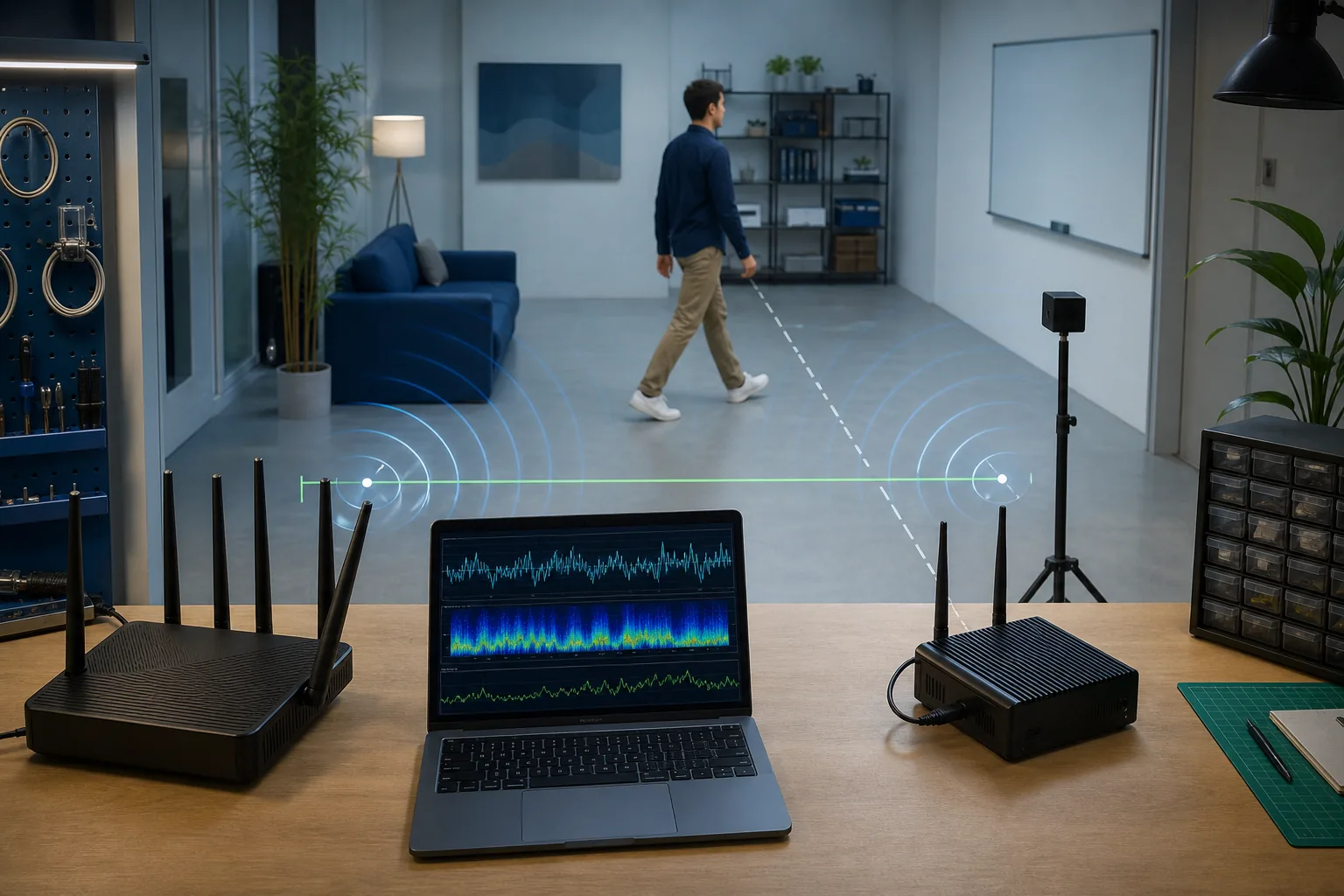
After the first capture, test an empty room, a stationary person, repeated walking paths, door movement, traffic changes, and router restarts. Record channel, bandwidth, antenna placement, distance, firmware, and software versions. A setup is useful only when changes are repeatable and false positives are understood.
IEEE 802.11bf-2025 standardizes enhancements for WLAN sensing, but a published standard does not make every installed router expose a developer-ready interface. Verify the actual product implementation and software access rather than buying solely from the standard number.
- Run repeated baseline and movement trials.
- Change one variable at a time.
- Keep raw captures and configuration records together.
- Report uncertainty instead of presenting a visualization as ground truth.
How this guide differs from our other pages
This page targets hardware compatibility and purchase decisions. The ESP32 guide explains the ESP-IDF capture workflow, the Nexmon guide covers firmware-patched Broadcom/Cypress capture, the CSI explainer covers signal concepts, and the open-source guide compares software projects. Use those pages after choosing the hardware path here.
Official compatibility references
WiFi sensing router FAQ
Can any WiFi router be used for sensing?
Most routers can provide connectivity or packet traffic, but most do not expose raw CSI. Use a documented ESP32 or Nexmon CSI receiver, or a vendor platform with a clear sensing API.
Does WiFi 6 or WiFi 7 guarantee CSI access?
No. The WiFi generation describes networking capabilities, not whether the vendor exposes sensing measurements to developers.
Which router should I buy for ESP32 CSI?
Choose a stable router that supports the band and channel settings required by the experiment. The ESP32 is normally the CSI receiver, so controllable settings matter more than a sensing label.
Is the Asus RT-AC86U a guaranteed Nexmon CSI choice?
Nexmon CSI documents a bcm4366c0 path used in that model, but you must verify hardware revision, firmware, build instructions, and current support before purchasing.
Will IEEE 802.11bf make existing routers sensing-capable?
Not automatically. Actual support depends on chipset, firmware, product implementation, and accessible software interfaces.